Development
How to use WordPress as headless cms
Greyd with its headless API feature makes it possible to use WordPress as a headless CMS and benefit from a more efficient way of creating.

![[TEST] Greyd.Suite EN](https://relaunch.greyd-suite-testen.de/wp-content/uploads/2023/11/Greyd_Logo_black.png)
/ Development
Development
Greyd with its headless API feature makes it possible to use WordPress as a headless CMS and benefit from a more efficient way of creating.
WordPress site sync is crucial to work efficiently and maintain a certain brand identity on multiple websites. Here is how you can achieve this.
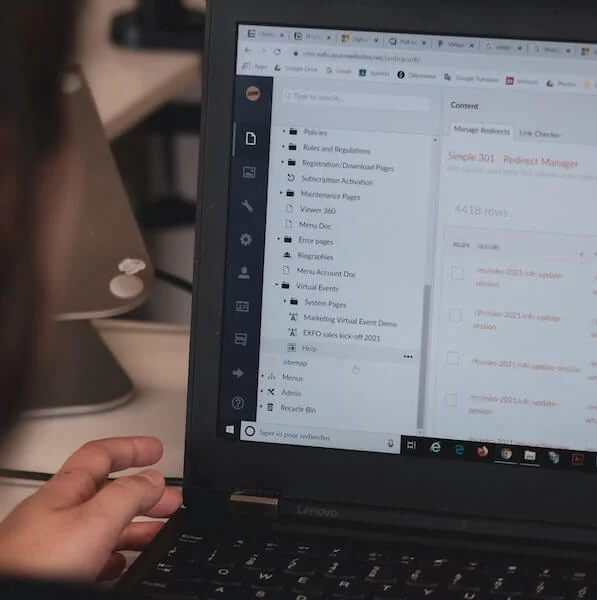
WordPress is the best CMS for web design and by far. Learn here why you web designers should use WordPress!
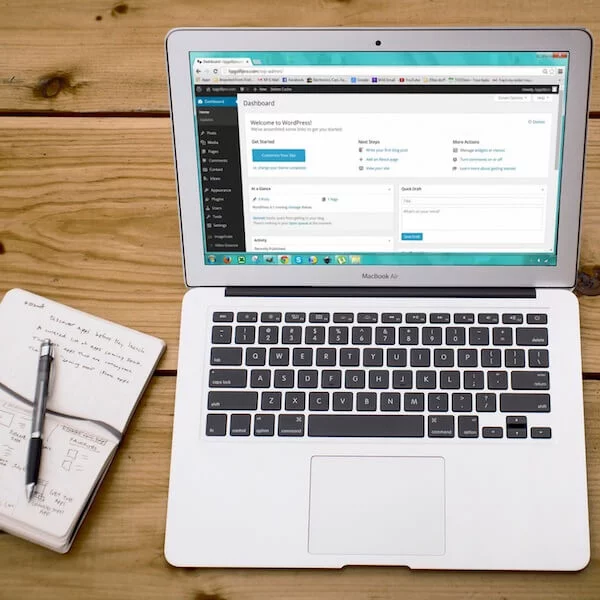
Learn here how you can use Custom Post Types to create your own content types for your content, aside from the WordPress standards.

WordPress is popular and widespread. So are typical mistakes. So that they do not happen to you, we have listed the most common bloopers.
Are you already using a staging environment for your WordPress sites? If not we will tell you why you need one and show you how to set it up.

We’ll explain to you what WordPress multisite crossposting actually is, when it’s most useful and how to easily manage all your content.

Assigning user roles, giving out permissions and only giving limited access to certain parts of the website can prevent it from crashing.

Backups are often overlooked by WordPress users. We’ll explain why you should pay more attention to your backups.

When does a multisite make sense? How does it work and what do you have to consider? Find out everything you need to know here.
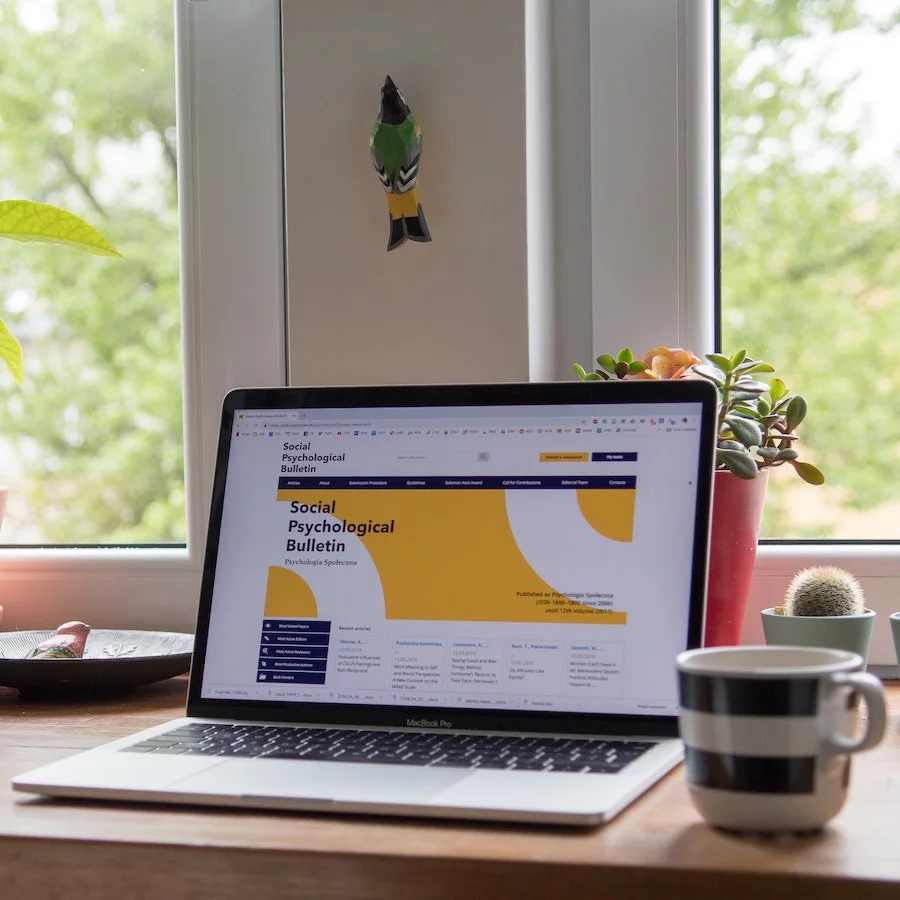
There are several ways to create and customize WordPress headers and footers. We’ll explain how to do it right.

Oxygen and Elementor are popular page builder plugins. In a direct comparison, we see what the two tools have to offer.

Learn here what measures you can take to prevent malware or hackers from abusing your web forms.
Subscribe now and don’t miss news about Greyd.Suite & WordPress anymore:
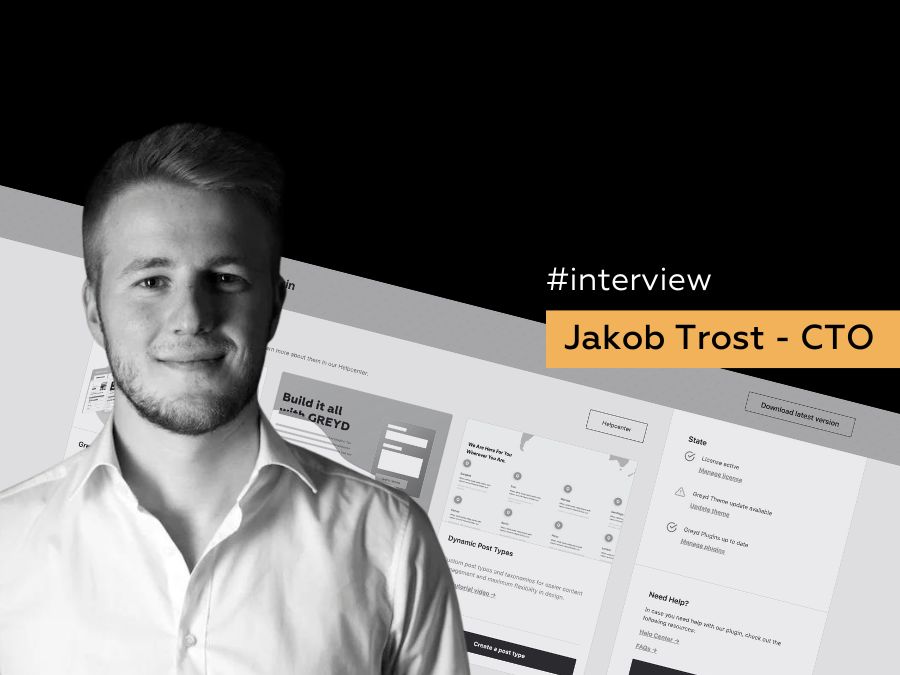
Read the interview with Jakob Trost. our CTO, where he speaks about the background of our decision to go all-in on the Site Editor, which some still call FSE.

The comprehensive WordPress solution for franchise and enterprise to maintain a strong, consistent digital presence.
Elevate your website with dynamic form emails, tabs for enhanced organization, and advanced search in Greyd.Suite for user-friendly results.
Subscribe now and don’t miss news about Greyd.Suite & WordPress anymore:
Download Greyd.Suite now and test the comprehensive platform for scaling your WordPress business. 100% free, with no time limit.
Development
Greyd with its headless API feature makes it possible to use WordPress as a headless CMS and benefit from a more efficient way of creating.
Gutenberg
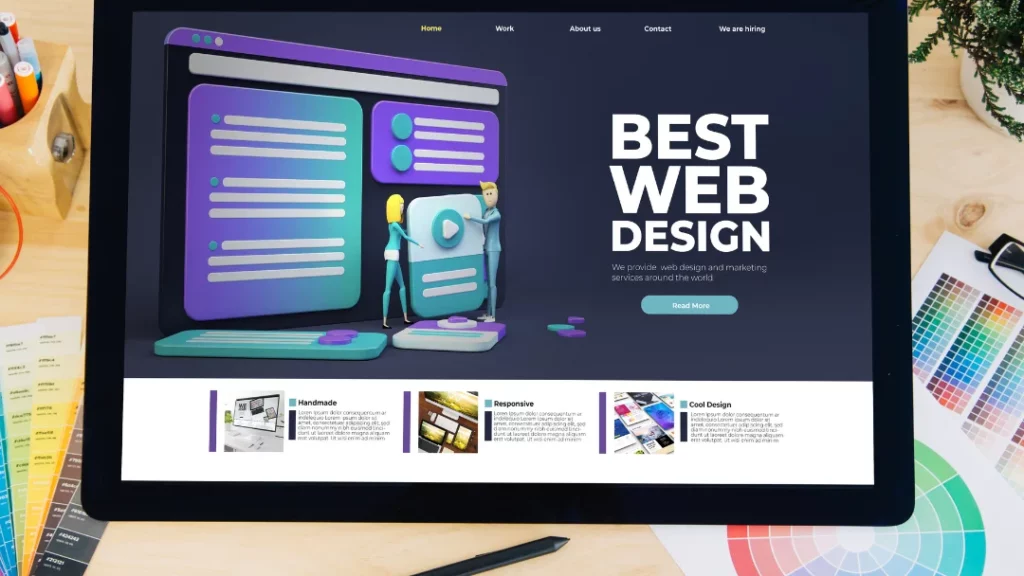
Gutenberg or Oxygen, which one should you use? Here you’ll find the ultimate comparison to find out which editor is the right choice.

Marketing
We will show you what it takes to create an irresistible web design proposal and how GREYD offers the perfect tool to do so.
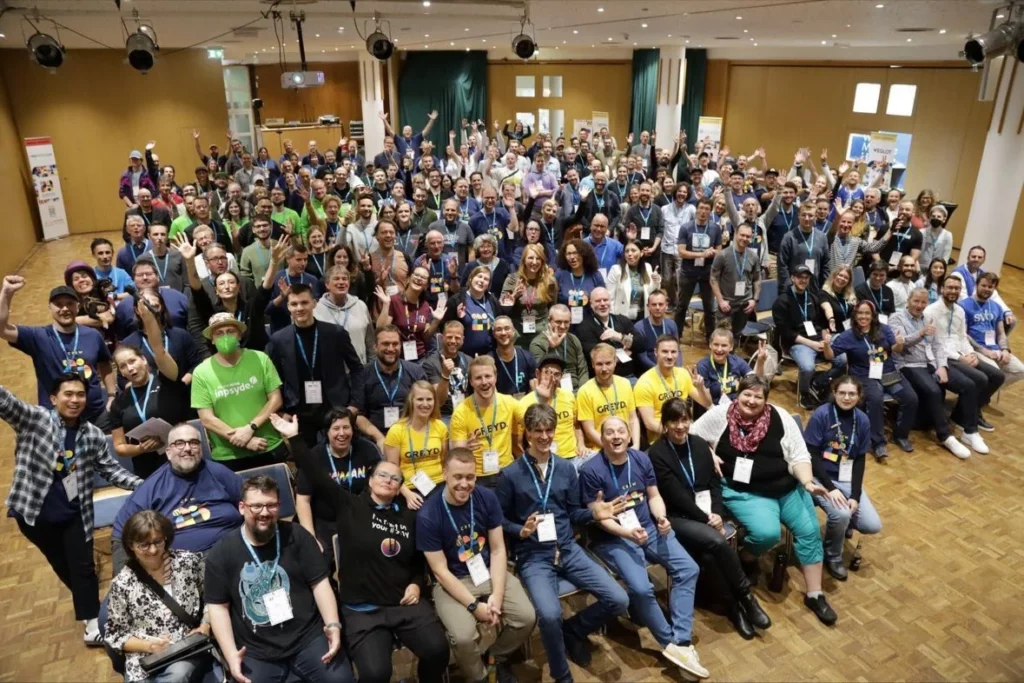
Explore the WordPress community’s unwavering passion and determination, as we take you through the highlights and memorable moments of WCDE.
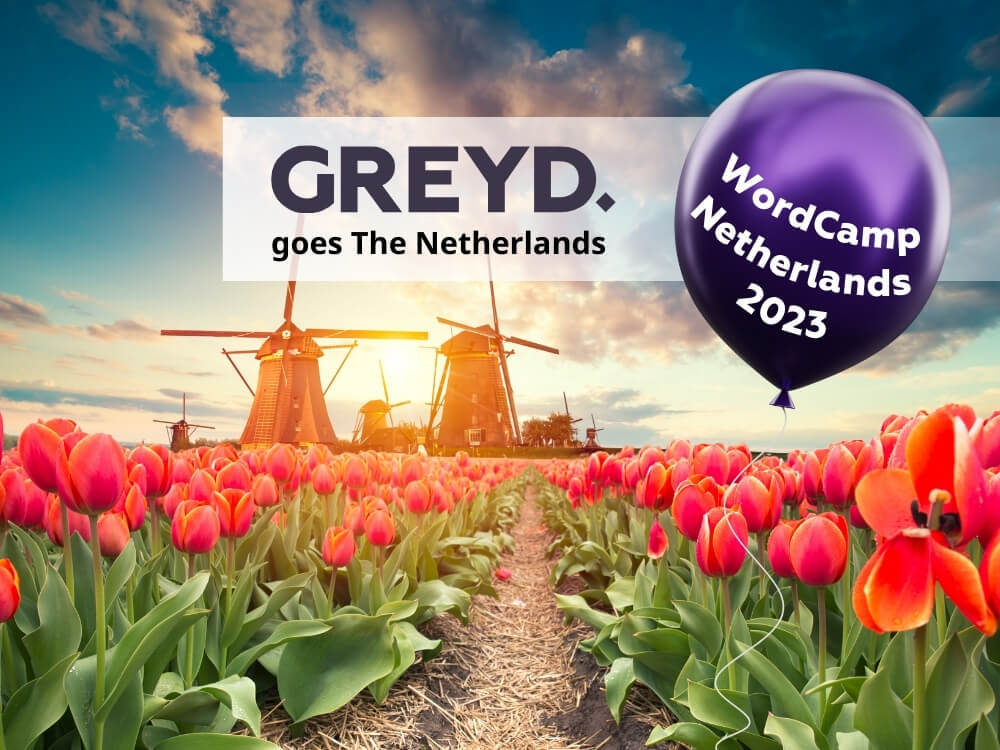
Come meet us at WordCamp Netherlands, on September 8 and 9, 2023. We’re happy to meet our peers, and proud to be a sponsor at this event.
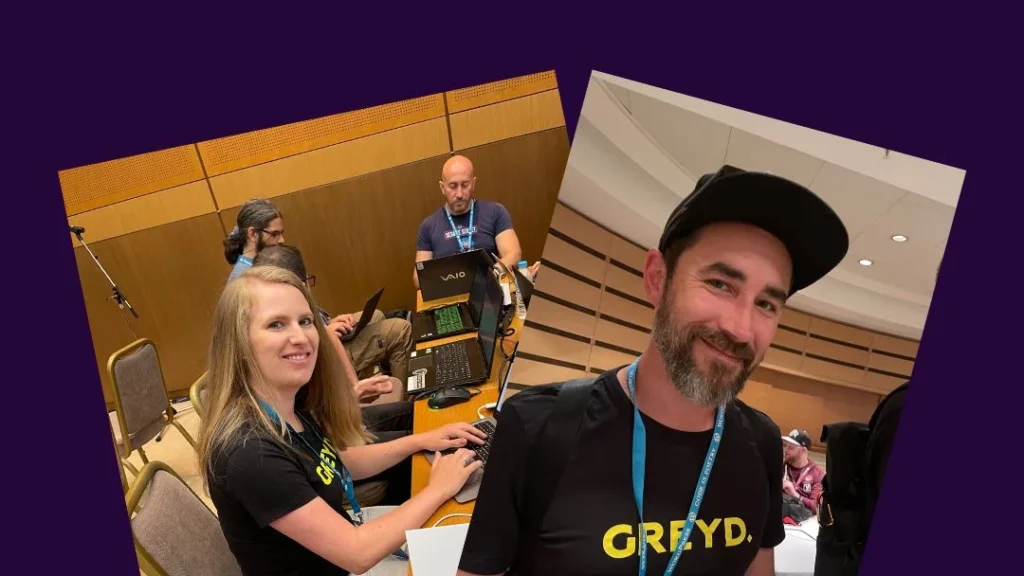
Sandra Kurze and Thomas Koschwitz have joined the organizing team of the first edition of WordCamp Germany, happening on 19-21 October 2023!
Subscribe now and don’t miss news about Greyd.Suite & WordPress anymore: